Trendpress F668 Ses Mikseri Canlı yayın için TikTok ، Likee, Bigo Live, YouTube, Facebook Çoklu ses efektleri, katlanabilir dijital ekran ve müzik aletleri, org desteği sunan akıllı karaoke.
كود: SLV1
لأسعار الجملة على الطلبات الكبيرة، يرجى التواصل معنا حصريًا عبر واتساب.
بلد المنشأ / الصناعة: Made in China 🇨🇳
الوصف:
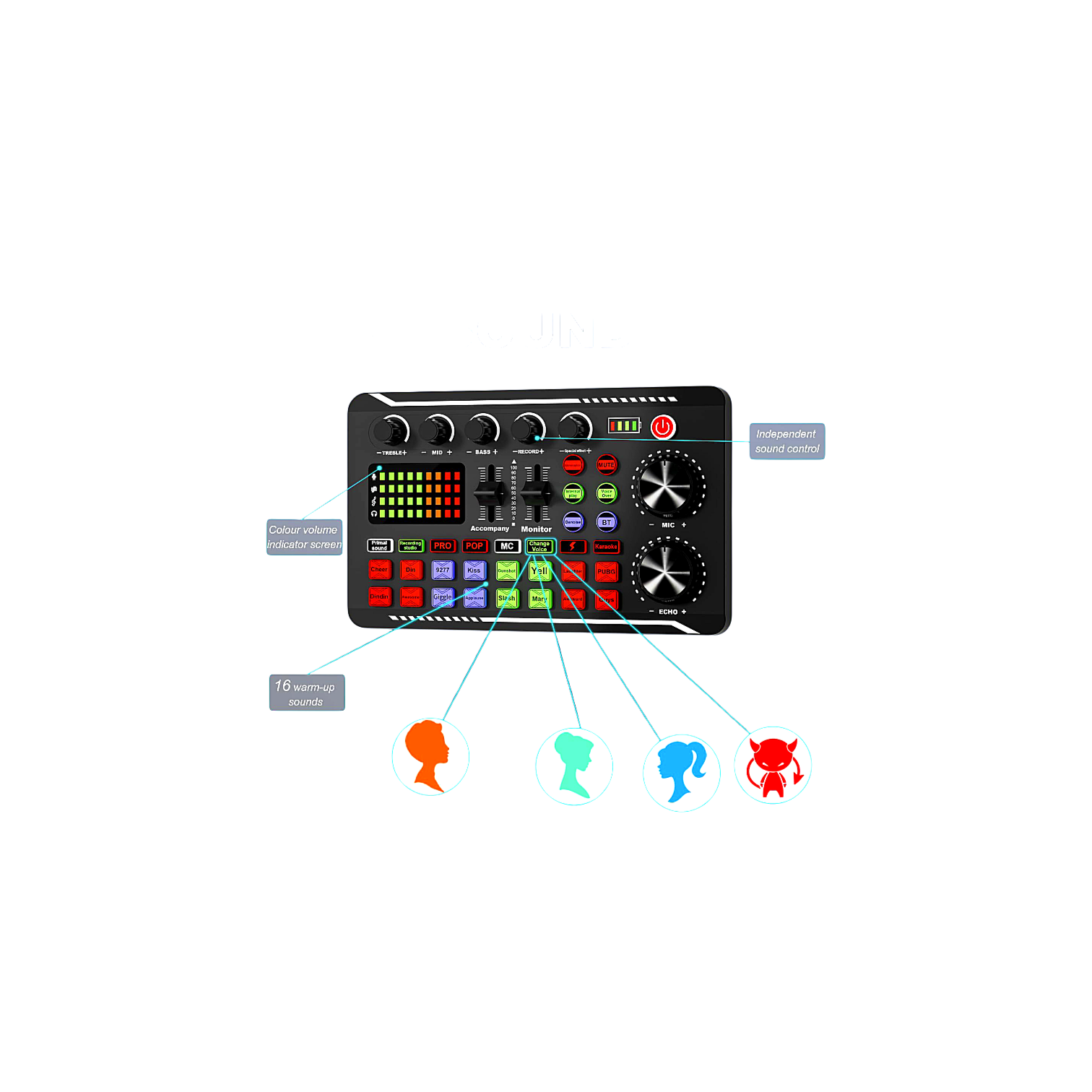
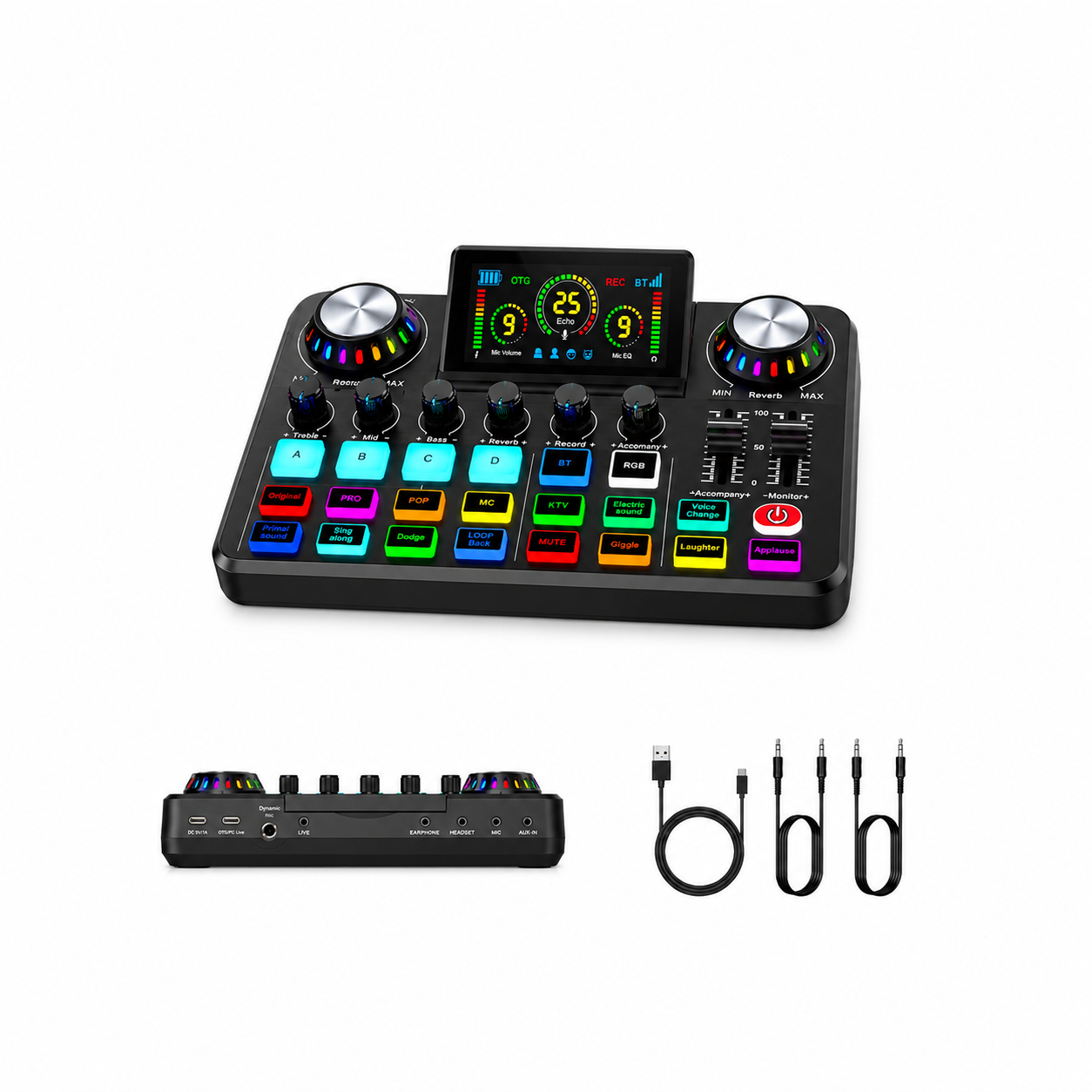
The Trendpress Audio Mixer is a smart and professional sound card specially designed for content creators and live streamers on platforms such as TikTok, YouTube, Bigo Live, and Facebook. The device is characterized by its high efficiency in mixing voices, music, and musical instruments with pure digital sound quality.
Key Features and Functions of the Device
Collapsible Digital Screen: A colorful LED screen displays sound levels, echo effects, and battery percentage instantly.
Musical Instruments Support Organ: It contains dedicated ports that allow you to connect an organ, guitar, or any musical instrument and synchronize it with your voice during streaming or singing.
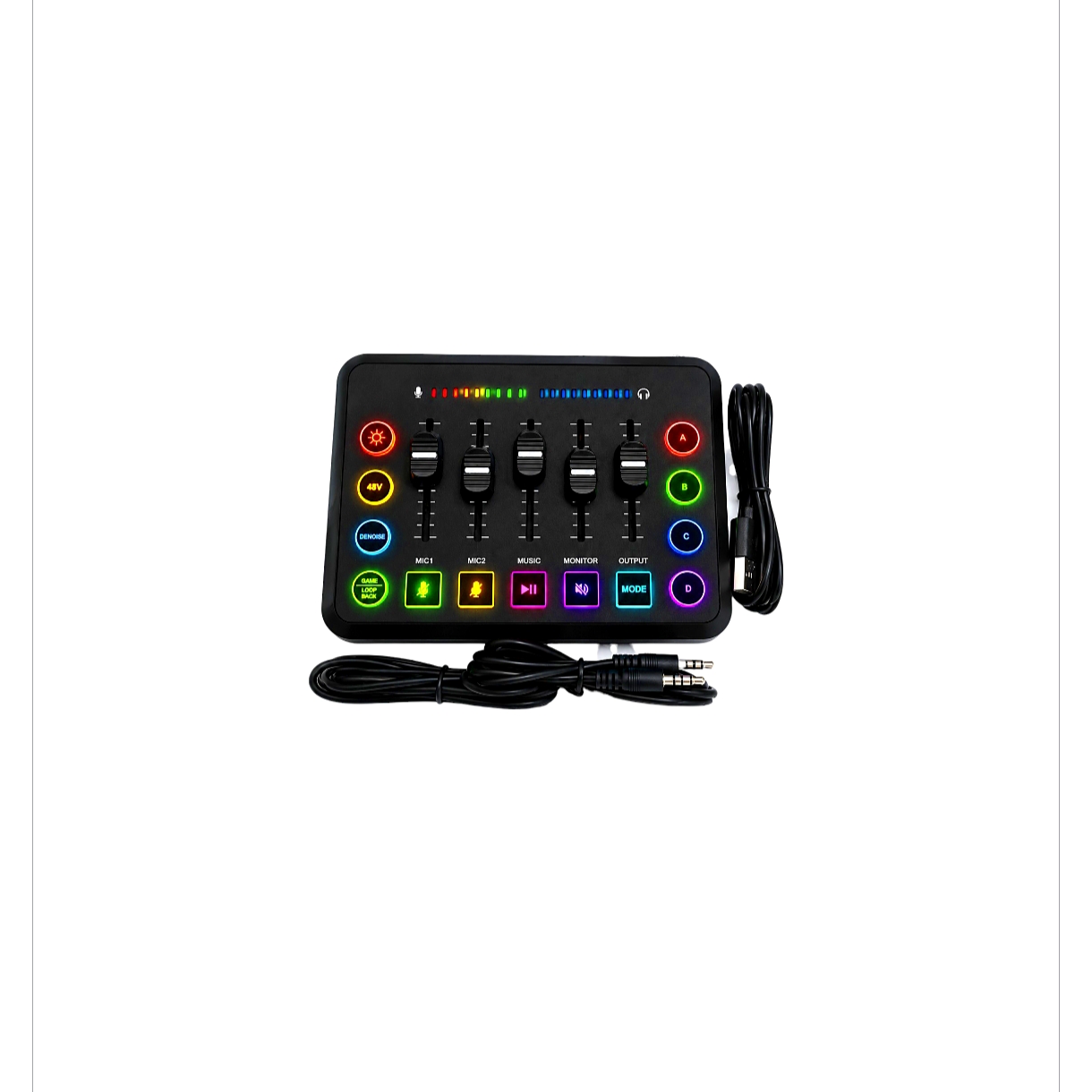
Multiple Sound Effects: Built-in illuminated buttons give you instant effects such as applause, laughter, and cheering to add interaction and enthusiasm with the audience.
Voice Changer: The ability to transform your voice texture into a man, woman, child, or monster voice at the press of a button.
Smart Karaoke: A feature to automatically isolate or reduce the original singer voice in the song so you can sing instead.
Device Connection Guide for Live Streaming
To achieve the best performance, you can connect the mixer using the following steps:
One. Streaming via Mobile Phone (TikTok / Mobile)
Streaming Phone: Use one of the included three point five millimeter audio cables, and connect one end to the LIVE port on the back of the mixer, and the other end to the streaming phone (if your phone does not have a headphone port, you will need an original adapter for Type-C or Lightning).
Background Music: You can input music either by connecting another phone to the AUX IN port, or simply by connecting your phone to the mixer wirelessly via Bluetooth.
Two. Connecting the Microphone and Headphones
Connect the streaming microphone to the MIC port.
Connect the earphones to the EARPHONE or HEADSET port so you can hear your voice, music, and effects at the same time and without delay.
Three. Streaming or Recording via Computer (YouTube / PC)
Use the included USB cable, connect one end to the OTG slot on the mixer, and the other end to the computer. The computer will automatically recognize the mixer as an external sound card without the need for driver software.
الدفع الإلكتروني
يتوفر الدفع عبر بوابة دفع إلكترونية آمنة.
للدفع عبر بوابة الدفع، يرجى التواصل معنا عبر واتساب: 0090-507-777-73-75